Tools
Vim Cheat Sheet
Print-ready cheat sheet for Vim, organized for fast lookup, study, and desk-side use
Sample
What's in this cheat sheet
- Modes
- Navigation
- Editing
- Search & Replace
- Visual Mode
- Buffers & Windows
- Registers
- Macros
- Settings
- File Operations
- Text Objects
- Marks & Jumps
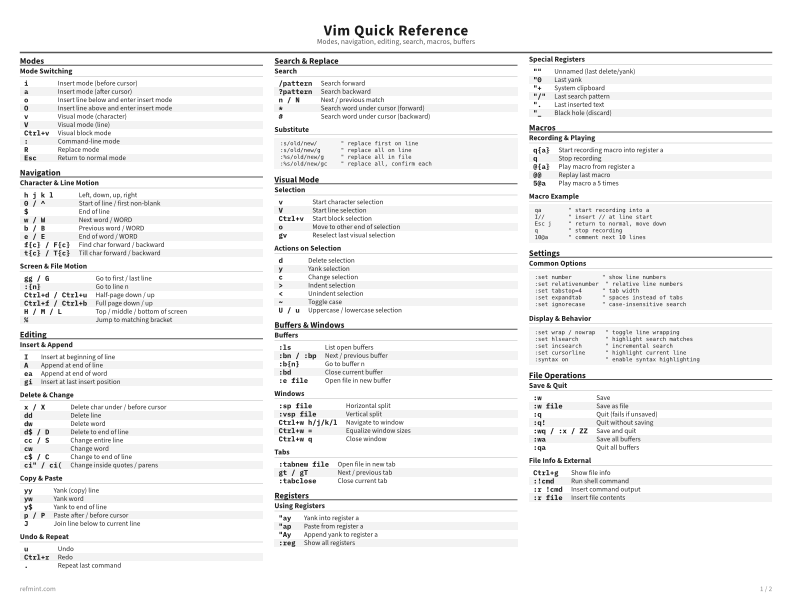
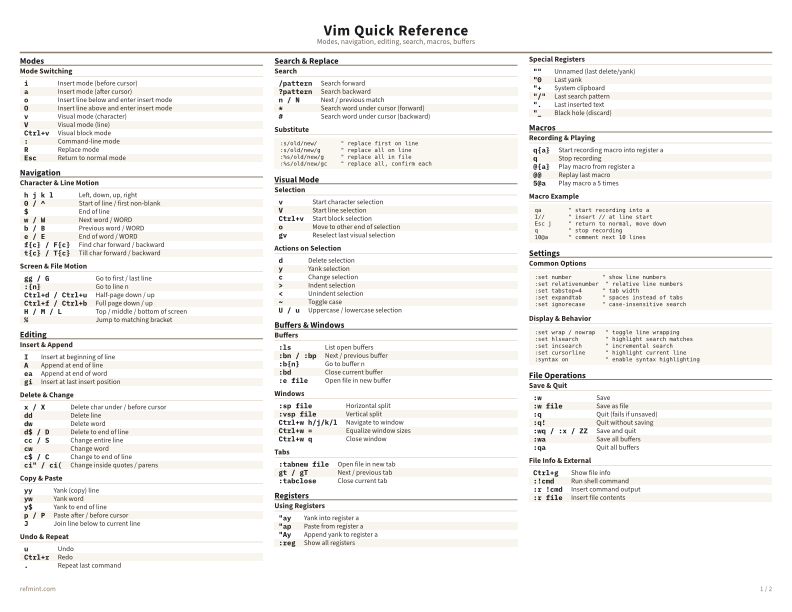
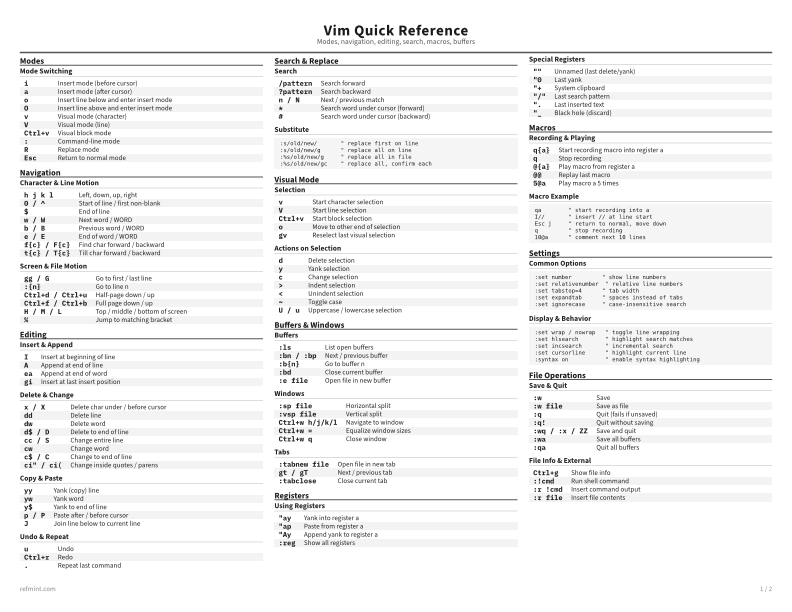
Mode Switching
i | Insert mode (before cursor) |
a | Insert mode (after cursor) |
o | Insert line below and enter insert mode |
O | Insert line above and enter insert mode |
v | Visual mode (character) |
V | Visual mode (line) |
Ctrl+v | Visual block mode |
: | Command-line mode |
R | Replace mode |
Esc | Return to normal mode |
Download the full cheat sheet for all sections, formatted for print
Download PDFDownloads
Choose the treatment that matches how you read
-
Recommended
Standard
B&W, ink-efficient. The default for laser printers and photocopies
Best for Printouts and desk-side reference
-
Color
Warm color accents for on-screen reading or color printers
Best for Screen reading or color printers
-
Reference Card
Maximum density, 4-column layout. Everything on one page
Best for Fast scanning and minimum paper use