Tools
tmux Cheat Sheet
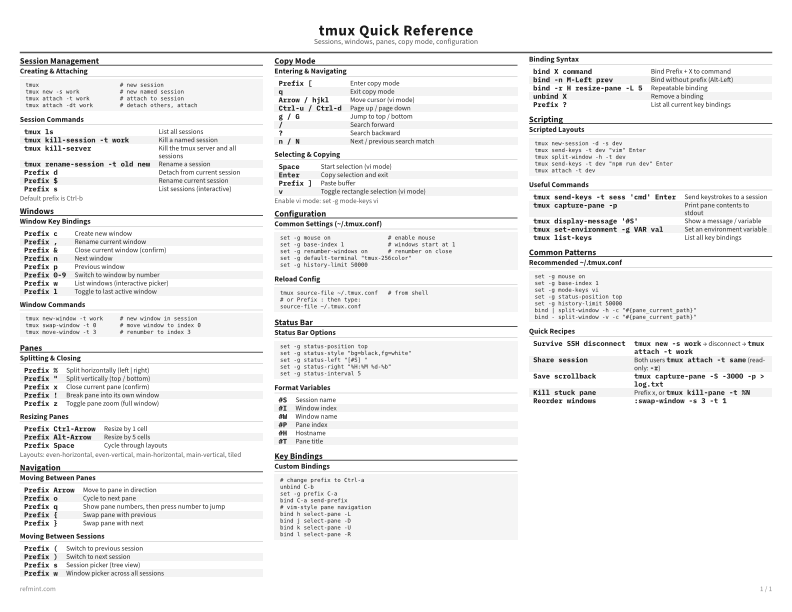
Print-ready cheat sheet for tmux, organized for fast lookup, study, and desk-side use
Sample
What's in this cheat sheet
- Session Management
- Windows
- Panes
- Navigation
- Copy Mode
- Configuration
- Status Bar
- Key Bindings
- Scripting
- Common Patterns
Creating & Attaching
tmux                        # new session
tmux new -s work            # new named session
tmux attach -t work         # attach to session
tmux attach -dt work        # detach others, attach
Session Commands
tmux ls | List all sessions |
tmux kill-session -t work | Kill a named session |
tmux kill-server | Kill the tmux server and all sessions |
tmux rename-session -t old new | Rename a session |
Prefix d | Detach from current session |
Prefix $ | Rename current session |
Prefix s | List sessions (interactive) |
Default prefix is Ctrl-b
Download the full cheat sheet for all sections, formatted for print
Download PDFDownloads
Choose the treatment that matches how you read
-
Recommended
Standard
B&W, ink-efficient. The default for laser printers and photocopies
Best for Printouts and desk-side reference
-
Color
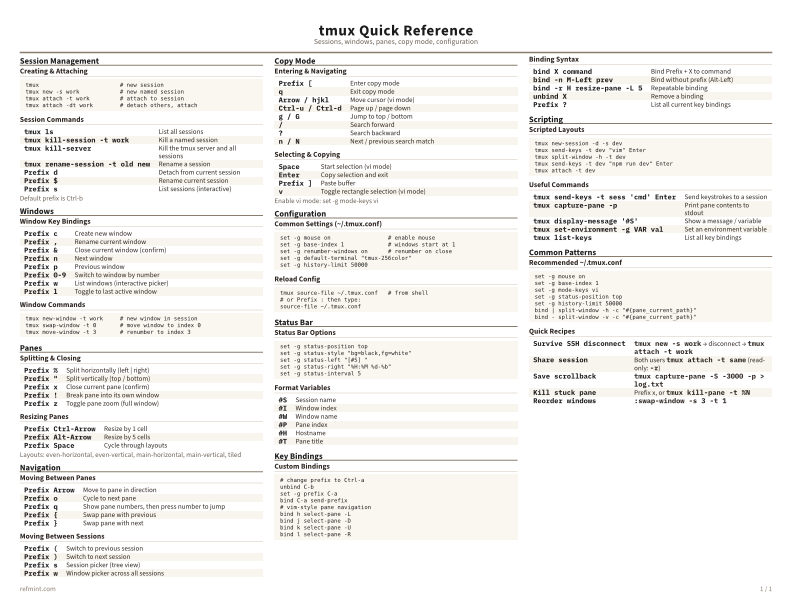
Warm color accents for on-screen reading or color printers
Best for Screen reading or color printers
-
Reference Card
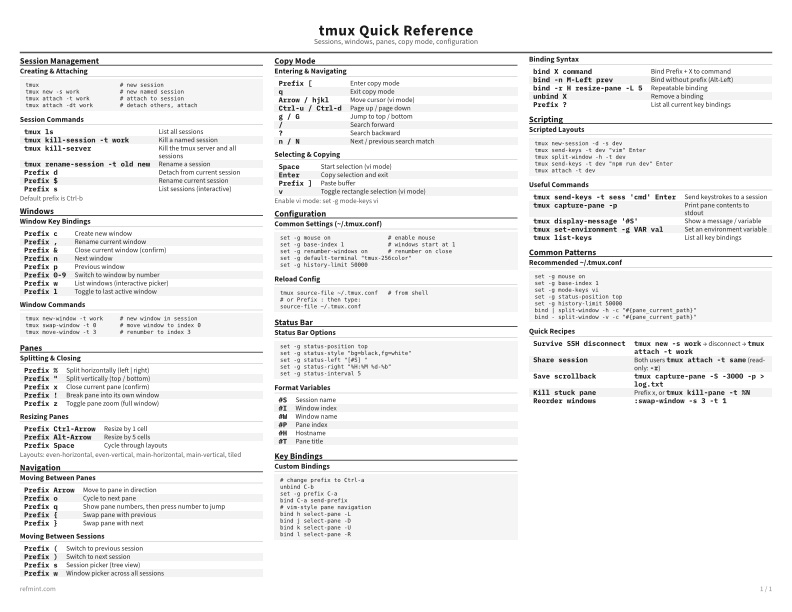
Maximum density, 4-column layout. Everything on one page
Best for Fast scanning and minimum paper use