Tools
Sublime Text Cheat Sheet
Print-ready cheat sheet for Sublime Text, organized for fast lookup, study, and desk-side use
Sample
What's in this cheat sheet
- Navigation
- Editing
- Selection
- Multi-Cursor
- Search
- Command Palette
- Build Systems
- Packages
- Settings
- Common Patterns
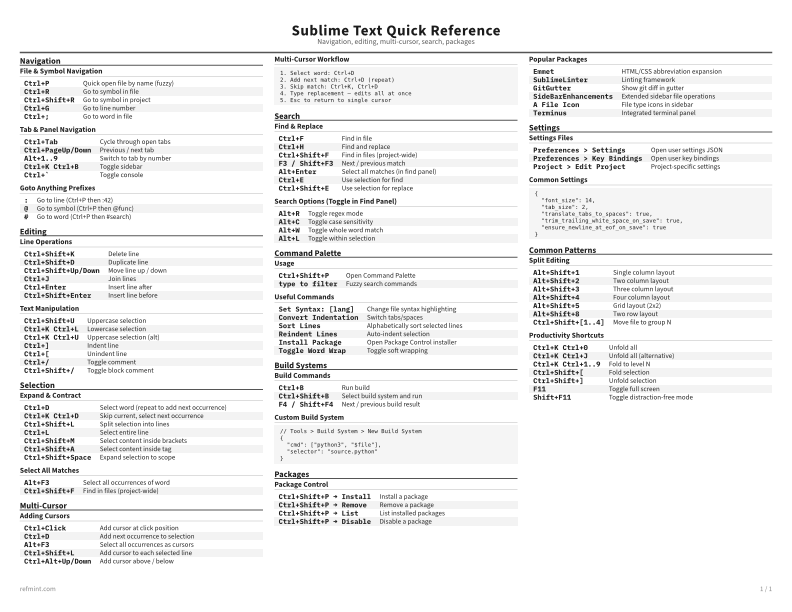
File & Symbol Navigation
Ctrl+P | Quick open file by name (fuzzy) |
Ctrl+R | Go to symbol in file |
Ctrl+Shift+R | Go to symbol in project |
Ctrl+G | Go to line number |
Ctrl+; | Go to word in file |
Tab & Panel Navigation
Ctrl+Tab | Cycle through open tabs |
Ctrl+PageUp/Down | Previous / next tab |
Alt+1..9 | Switch to tab by number |
Ctrl+K Ctrl+B | Toggle sidebar |
Ctrl+` | Toggle console |
Goto Anything Prefixes
: | Go to line (Ctrl+P then :42) |
@ | Go to symbol (Ctrl+P then @func) |
# | Go to word (Ctrl+P then #search) |
Download the full cheat sheet for all sections, formatted for print
Download PDFDownloads
Choose the treatment that matches how you read
-
Recommended
Standard
B&W, ink-efficient. The default for laser printers and photocopies
Best for Printouts and desk-side reference
-
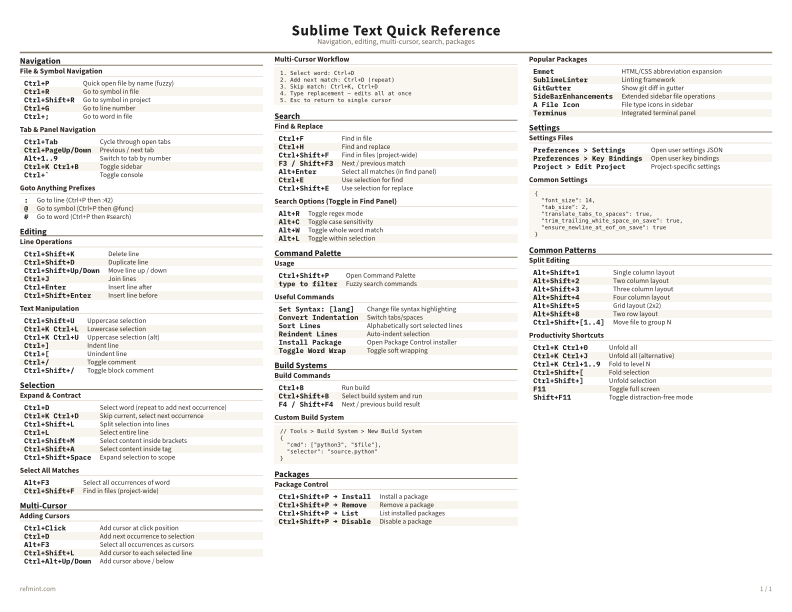
Color
Warm color accents for on-screen reading or color printers
Best for Screen reading or color printers
-
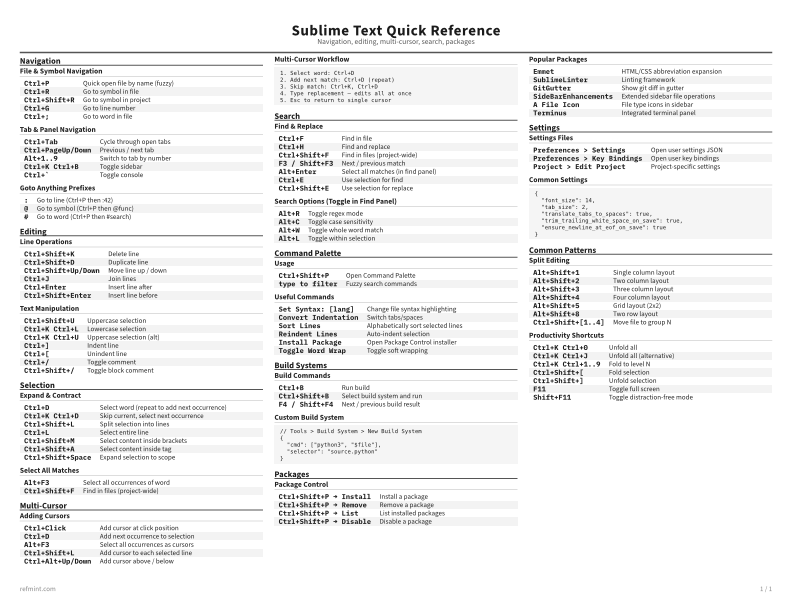
Reference Card
Maximum density, 4-column layout. Everything on one page
Best for Fast scanning and minimum paper use