Tools
Nginx Cheat Sheet
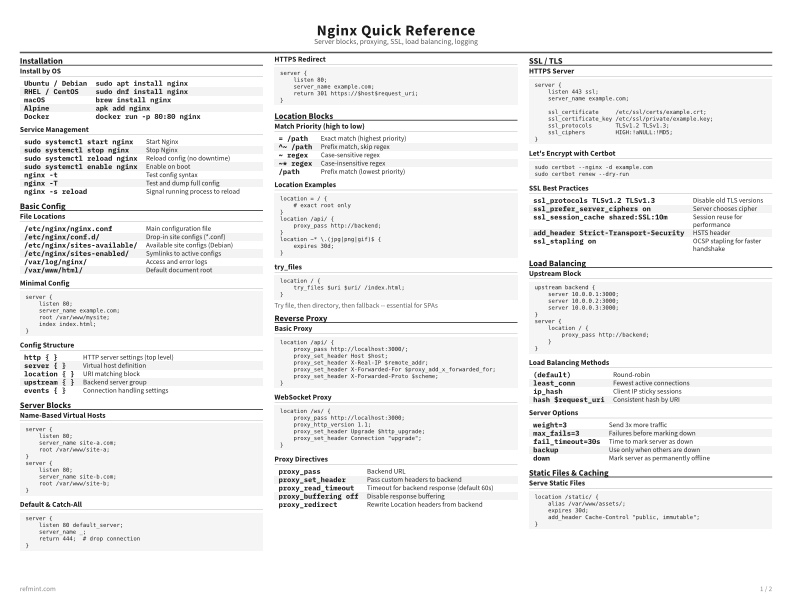
Print-ready cheat sheet for Nginx, organized for fast lookup, study, and desk-side use
Sample
What's in this cheat sheet
- Installation
- Basic Config
- Server Blocks
- Location Blocks
- Reverse Proxy
- SSL / TLS
- Load Balancing
- Static Files & Caching
- Logging
- Security
- Common Patterns
Install by OS
Ubuntu / Debian | `sudo apt install nginx` |
RHEL / CentOS | `sudo dnf install nginx` |
macOS | `brew install nginx` |
Alpine | `apk add nginx` |
Docker | `docker run -p 80:80 nginx` |
Service Management
sudo systemctl start nginx | Start Nginx |
sudo systemctl stop nginx | Stop Nginx |
sudo systemctl reload nginx | Reload config (no downtime) |
sudo systemctl enable nginx | Enable on boot |
nginx -t | Test config syntax |
nginx -T | Test and dump full config |
nginx -s reload | Signal running process to reload |
Download the full cheat sheet for all sections, formatted for print
Download PDFDownloads
Choose the treatment that matches how you read
-
Recommended
Standard
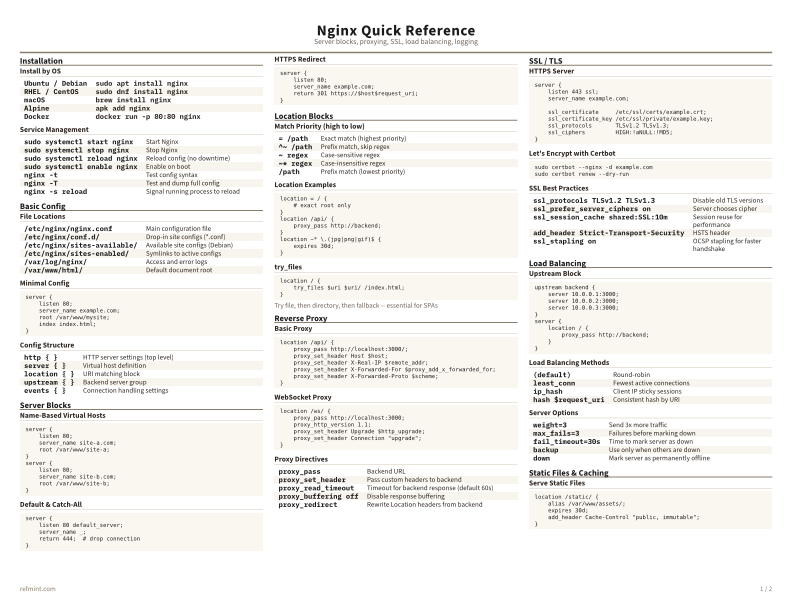
B&W, ink-efficient. The default for laser printers and photocopies
Best for Printouts and desk-side reference
-
Color
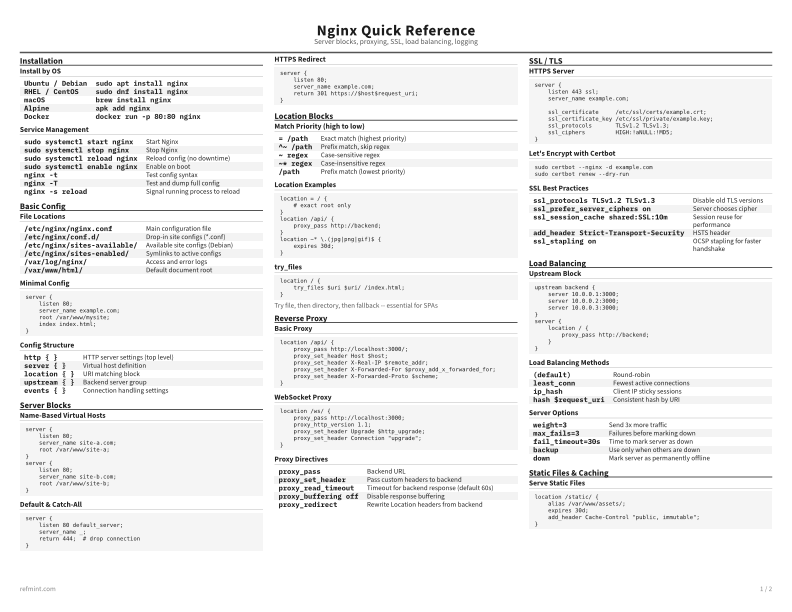
Warm color accents for on-screen reading or color printers
Best for Screen reading or color printers
-
Reference Card
Maximum density, 4-column layout. Everything on one page
Best for Fast scanning and minimum paper use