Languages
Matplotlib Cheat Sheet
Print-ready cheat sheet for Matplotlib, organized for fast lookup, study, and desk-side use
Sample
What's in this cheat sheet
- Basic Plots
- Subplots
- Labels & Titles
- Customization
- Bar & Histogram
- Scatter & Line
- Axes & Ticks
- Legends
- Saving
- Common Patterns
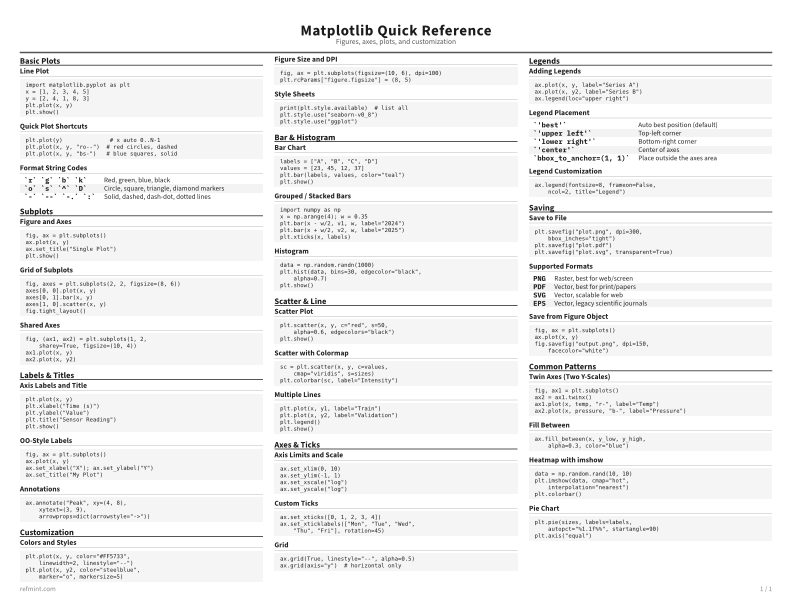
Line Plot
import matplotlib.pyplot as plt
x = [1, 2, 3, 4, 5]
y = [2, 4, 1, 8, 3]
plt.plot(x, y)
plt.show()
Quick Plot Shortcuts
plt.plot(y)              # x auto 0..N-1
plt.plot(x, y, "ro--")  # red circles, dashed
plt.plot(x, y, "bs-")   # blue squares, solid
Format String Codes
`r` `g` `b` `k` | Red, green, blue, black |
`o` `s` `^` `D` | Circle, square, triangle, diamond markers |
`-` `--` `-.` `:` | Solid, dashed, dash-dot, dotted lines |
Download the full cheat sheet for all sections, formatted for print
Download PDFDownloads
Choose the treatment that matches how you read
-
Recommended
Standard
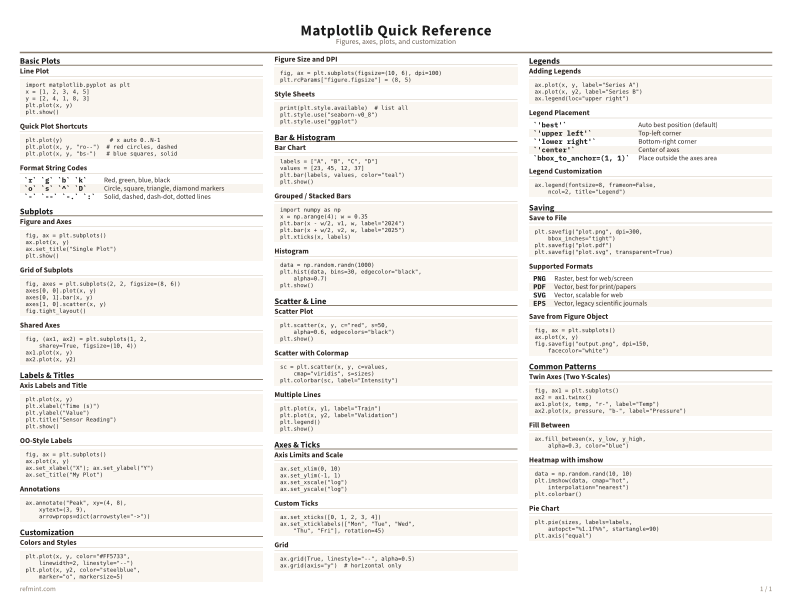
B&W, ink-efficient. The default for laser printers and photocopies
Best for Printouts and desk-side reference
-
Color
Warm color accents for on-screen reading or color printers
Best for Screen reading or color printers
-
Reference Card
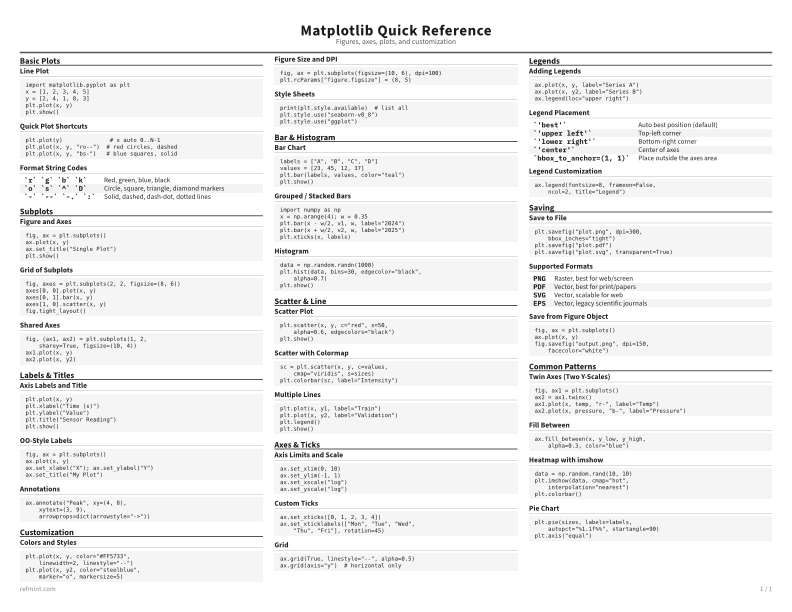
Maximum density, 4-column layout. Everything on one page
Best for Fast scanning and minimum paper use