Tools
Kubernetes Cheat Sheet
Print-ready cheat sheet for Kubernetes, organized for fast lookup, study, and desk-side use
Sample
What's in this cheat sheet
- kubectl Basics
- Pods
- Deployments
- Services
- ConfigMaps & Secrets
- Namespaces
- Volumes
- Ingress
- Debugging
- Common Patterns
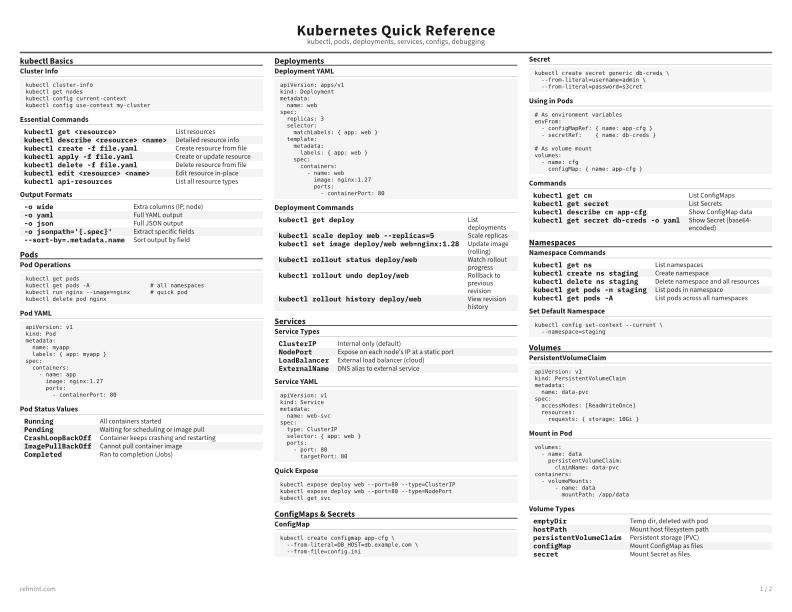
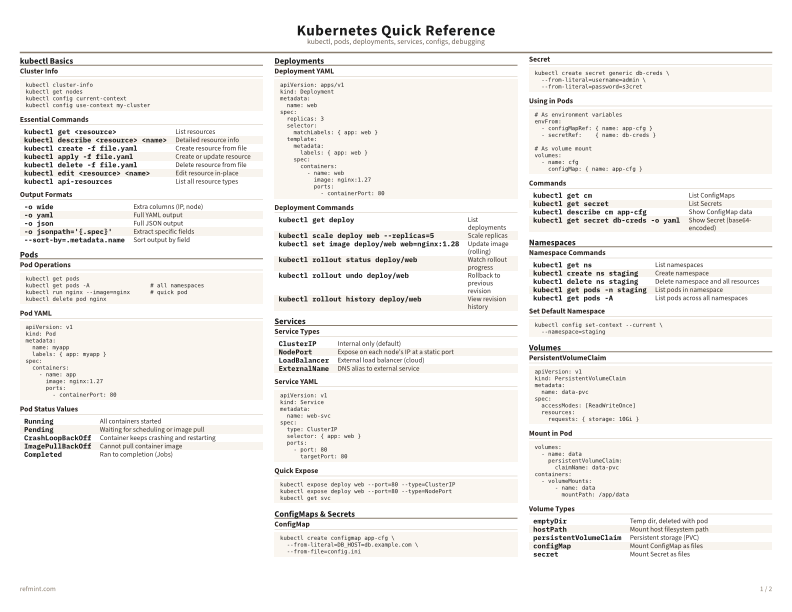
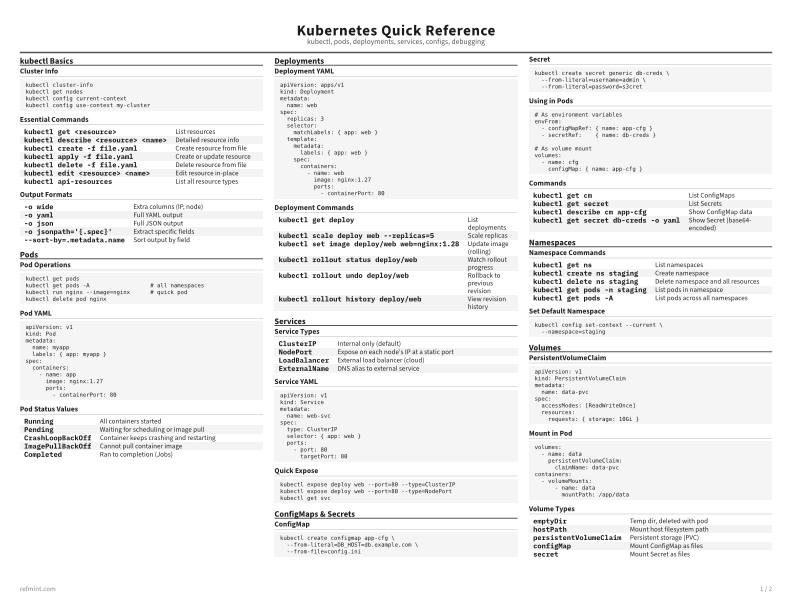
Cluster Info
kubectl cluster-info
kubectl get nodes
kubectl config current-context
kubectl config use-context my-cluster
Essential Commands
kubectl get <resource> | List resources |
kubectl describe <resource> <name> | Detailed resource info |
kubectl create -f file.yaml | Create resource from file |
kubectl apply -f file.yaml | Create or update resource |
kubectl delete -f file.yaml | Delete resource from file |
kubectl edit <resource> <name> | Edit resource in-place |
kubectl api-resources | List all resource types |
Output Formats
-o wide | Extra columns (IP, node) |
-o yaml | Full YAML output |
-o json | Full JSON output |
-o jsonpath='{.spec}' | Extract specific fields |
--sort-by=.metadata.name | Sort output by field |
Download the full cheat sheet for all sections, formatted for print
Download PDFDownloads
Choose the treatment that matches how you read
-
Recommended
Standard
B&W, ink-efficient. The default for laser printers and photocopies
Best for Printouts and desk-side reference
-
Color
Warm color accents for on-screen reading or color printers
Best for Screen reading or color printers
-
Reference Card
Maximum density, 4-column layout. Everything on one page
Best for Fast scanning and minimum paper use