Tools
Homebrew Cheat Sheet
Print-ready cheat sheet for Homebrew, organized for fast lookup, study, and desk-side use
Sample
What's in this cheat sheet
- Installation
- Package Management
- Search & Info
- Services
- Casks
- Taps
- Cleanup
- Common Patterns
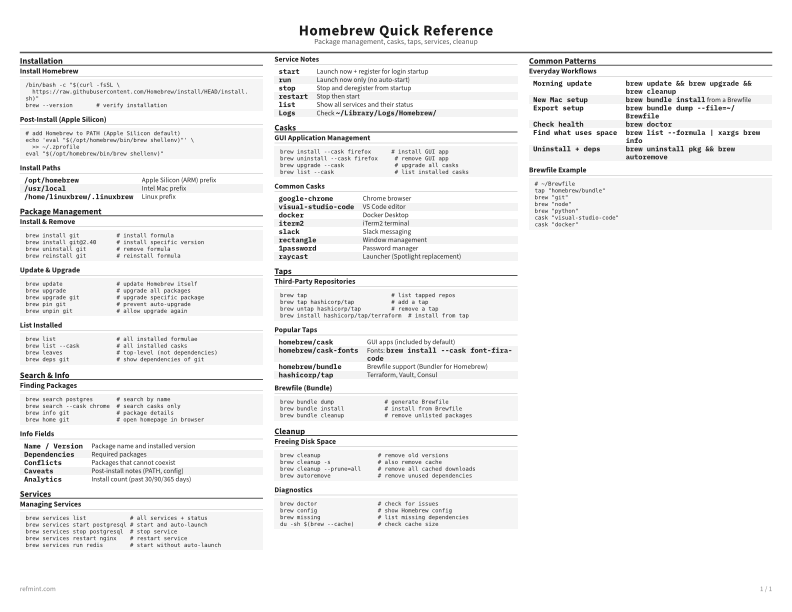
Install Homebrew
/bin/bash -c "$(curl -fsSL \
  https://raw.githubusercontent.com/Homebrew/install/HEAD/install.sh)"
brew --version       # verify installation
Post-Install (Apple Silicon)
# add Homebrew to PATH (Apple Silicon default)
echo 'eval "$(/opt/homebrew/bin/brew shellenv)"' \
  >> ~/.zprofile
eval "$(/opt/homebrew/bin/brew shellenv)"
Install Paths
/opt/homebrew | Apple Silicon (ARM) prefix |
/usr/local | Intel Mac prefix |
/home/linuxbrew/.linuxbrew | Linux prefix |
Download the full cheat sheet for all sections, formatted for print
Download PDFDownloads
Choose the treatment that matches how you read
-
Recommended
Standard
B&W, ink-efficient. The default for laser printers and photocopies
Best for Printouts and desk-side reference
-
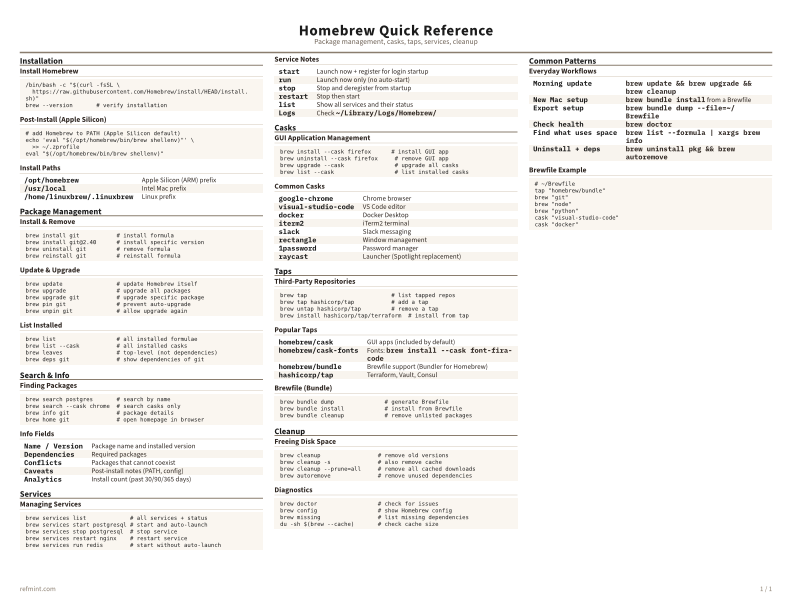
Color
Warm color accents for on-screen reading or color printers
Best for Screen reading or color printers
-
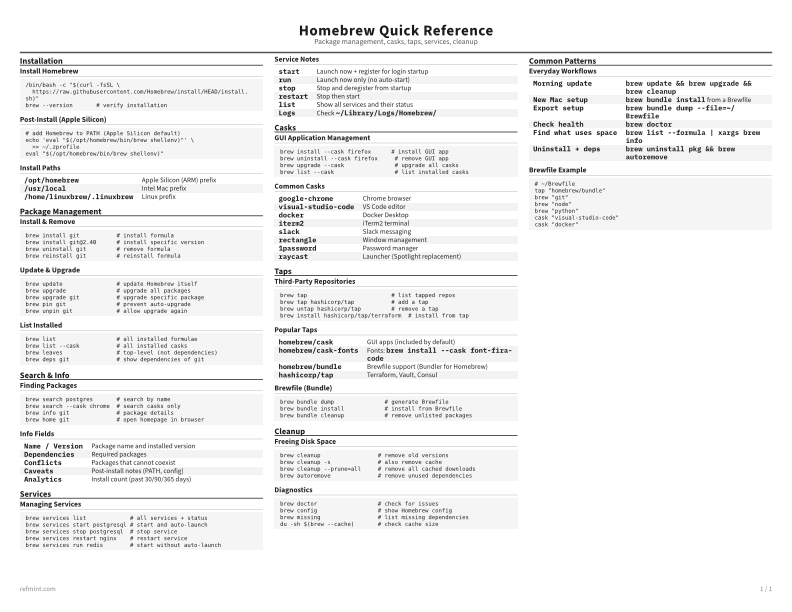
Reference Card
Maximum density, 4-column layout. Everything on one page
Best for Fast scanning and minimum paper use