Tools
GitHub CLI Cheat Sheet
Print-ready cheat sheet for GitHub CLI, organized for fast lookup, study, and desk-side use
Sample
What's in this cheat sheet
- Setup
- Repos
- Issues
- Pull Requests
- Actions
- Releases
- Gists
- API
- Aliases
- Common Patterns
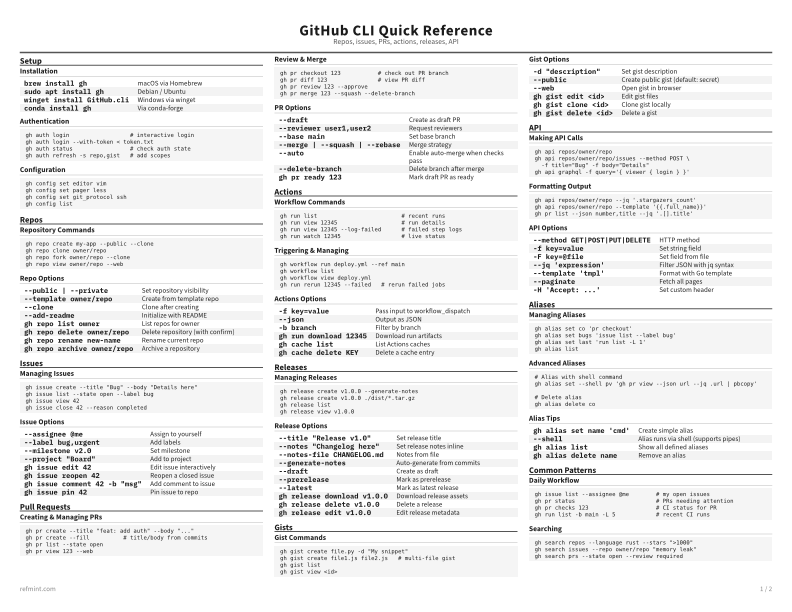
Installation
brew install gh | macOS via Homebrew |
sudo apt install gh | Debian / Ubuntu |
winget install GitHub.cli | Windows via winget |
conda install gh | Via conda-forge |
Authentication
gh auth login                  # interactive login
gh auth login --with-token < token.txt
gh auth status                 # check auth state
gh auth refresh -s repo,gist   # add scopes
Configuration
gh config set editor vim
gh config set pager less
gh config set git_protocol ssh
gh config list
Download the full cheat sheet for all sections, formatted for print
Download PDFDownloads
Choose the treatment that matches how you read
-
Recommended
Standard
B&W, ink-efficient. The default for laser printers and photocopies
Best for Printouts and desk-side reference
-
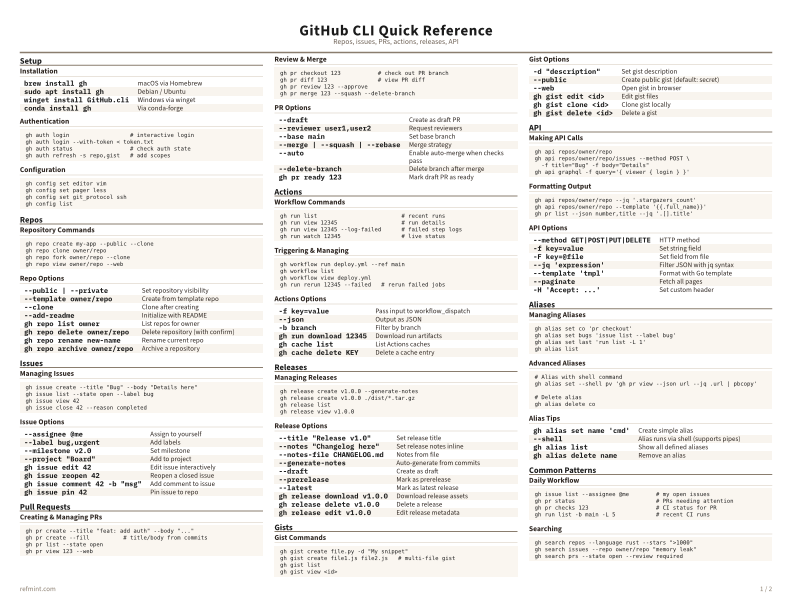
Color
Warm color accents for on-screen reading or color printers
Best for Screen reading or color printers
-
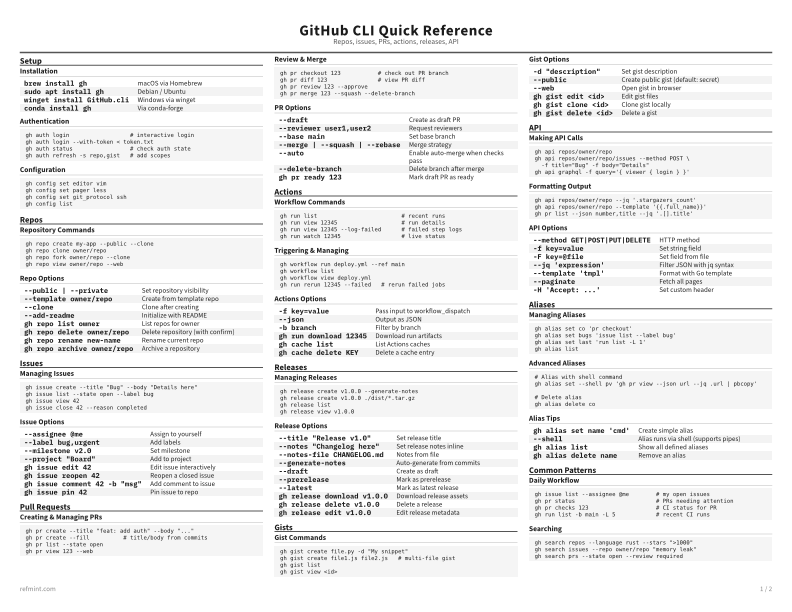
Reference Card
Maximum density, 4-column layout. Everything on one page
Best for Fast scanning and minimum paper use