Tools
Git Cheat Sheet
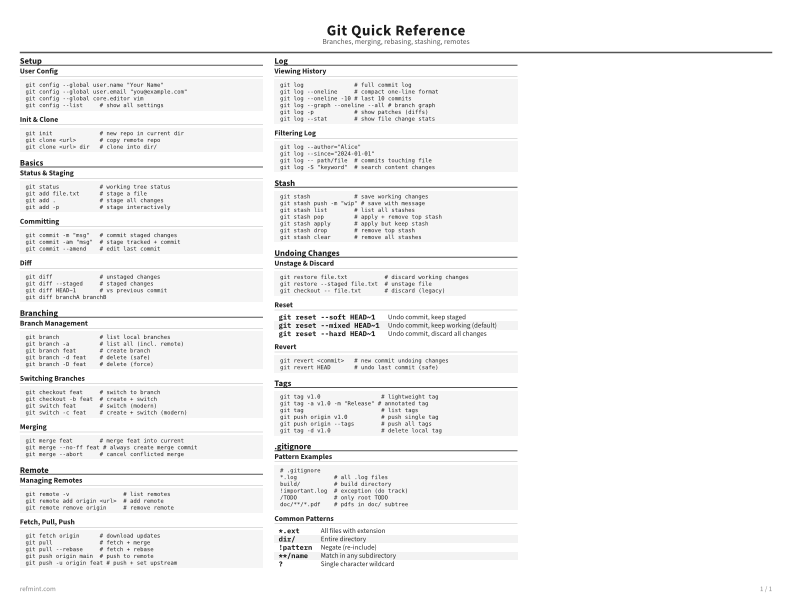
Print-ready cheat sheet for Git, organized for fast lookup, study, and desk-side use
Sample
What's in this cheat sheet
- Setup
- Basics
- Branching
- Remote
- Log
- Stash
- Undoing Changes
- Tags
- .gitignore
User Config
git config --global user.name "Your Name"
git config --global user.email "[email protected]"
git config --global core.editor vim
git config --list     # show all settings
Init & Clone
git init              # new repo in current dir
git clone <url>       # copy remote repo
git clone <url> dir   # clone into dir/
Download the full cheat sheet for all sections, formatted for print
Download PDFDownloads
Choose the treatment that matches how you read
-
Recommended
Standard
B&W, ink-efficient. The default for laser printers and photocopies
Best for Printouts and desk-side reference
-
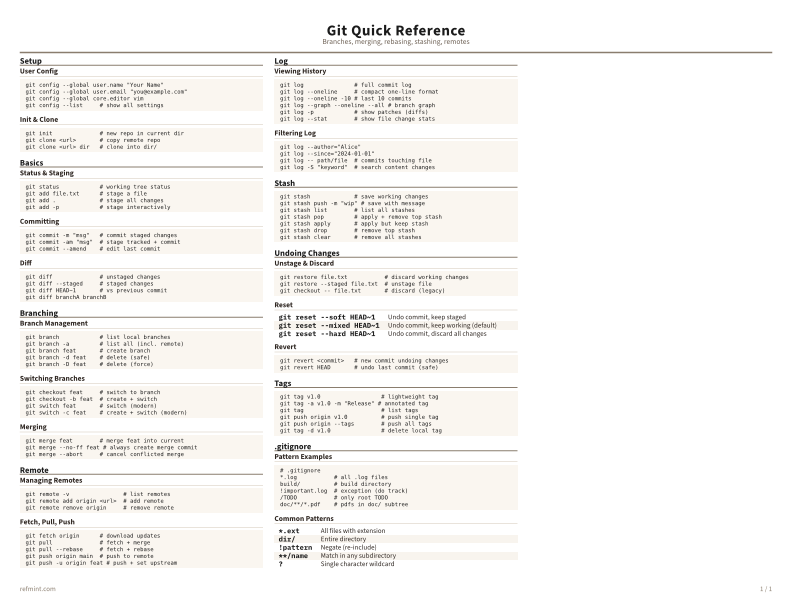
Color
Warm color accents for on-screen reading or color printers
Best for Screen reading or color printers
-
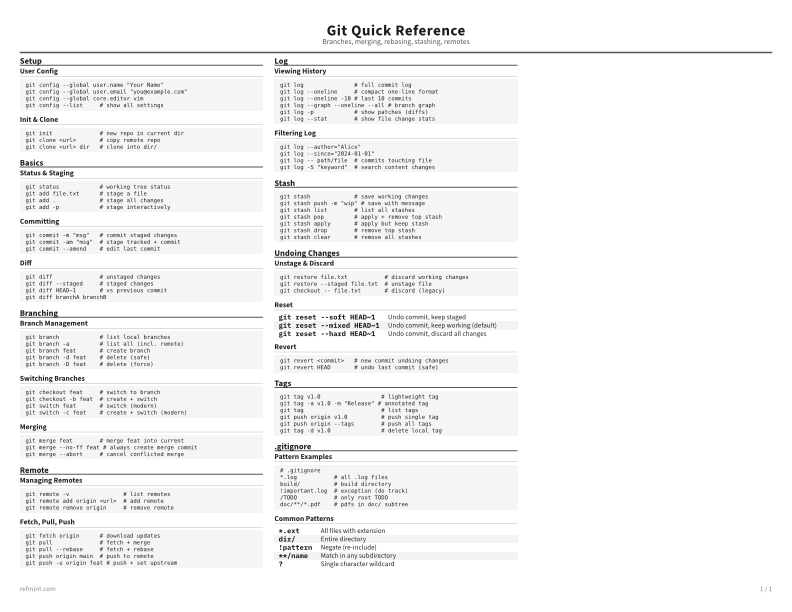
Reference Card
Maximum density, 4-column layout. Everything on one page
Best for Fast scanning and minimum paper use