Tools
find Cheat Sheet
Print-ready cheat sheet for find, organized for fast lookup, study, and desk-side use
Sample
What's in this cheat sheet
- Basic Search
- Name Patterns
- Type Filters
- Size & Time
- Permissions
- Actions
- Combining Tests
- Exec & Delete
- Depth & Pruning
- Common Patterns
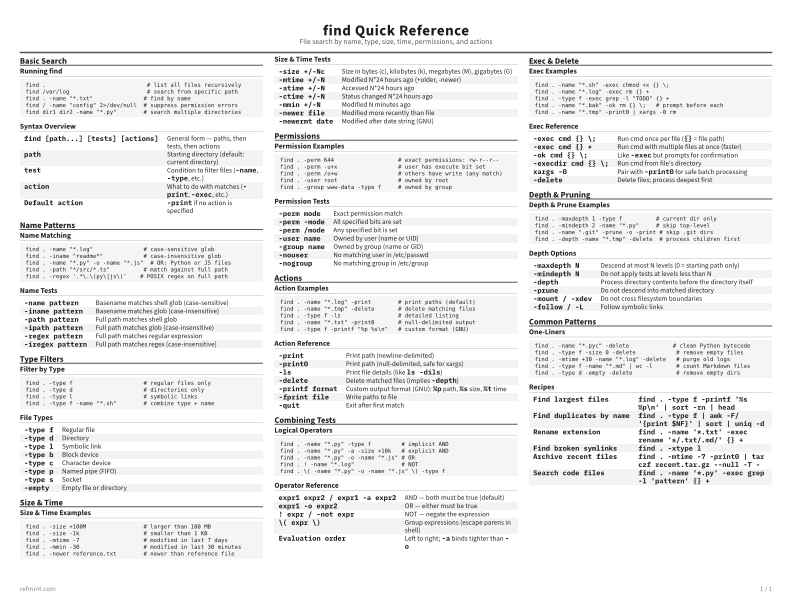
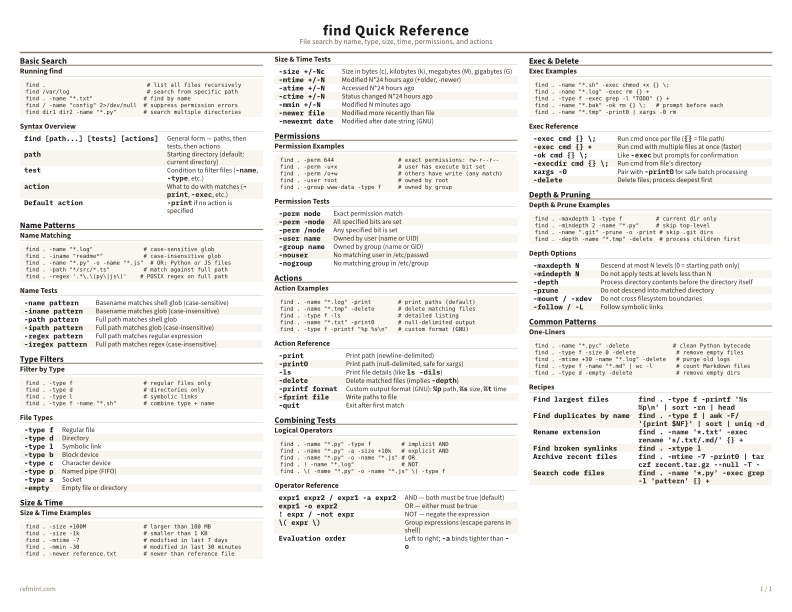
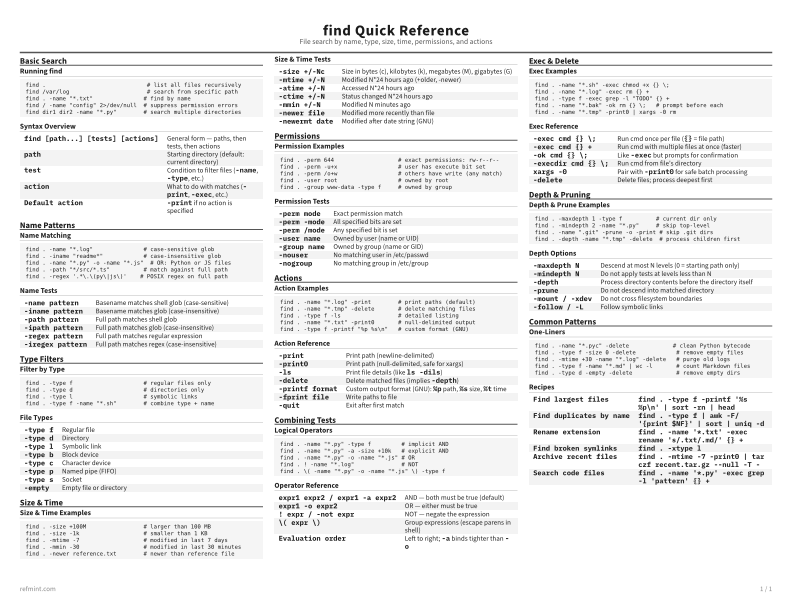
Running find
find .                              # list all files recursively
find /var/log                       # search from specific path
find . -name "*.txt"               # find by name
find / -name "config" 2>/dev/null  # suppress permission errors
find dir1 dir2 -name "*.py"        # search multiple directories
Syntax Overview
find [path...] [tests] [actions] | General form — paths, then tests, then actions |
path | Starting directory (default: current directory) |
test | Condition to filter files (`-name`, `-type`, etc.) |
action | What to do with matches (`-print`, `-exec`, etc.) |
Default action | `-print` if no action is specified |
Download the full cheat sheet for all sections, formatted for print
Download PDFDownloads
Choose the treatment that matches how you read
-
Recommended
Standard
B&W, ink-efficient. The default for laser printers and photocopies
Best for Printouts and desk-side reference
-
Color
Warm color accents for on-screen reading or color printers
Best for Screen reading or color printers
-
Reference Card
Maximum density, 4-column layout. Everything on one page
Best for Fast scanning and minimum paper use