Tools
Emmet Cheat Sheet
Print-ready cheat sheet for Emmet, organized for fast lookup, study, and desk-side use
Sample
What's in this cheat sheet
- HTML Abbreviations
- Nesting
- Grouping
- Multiplication
- Numbering
- Attributes
- Text
- CSS Abbreviations
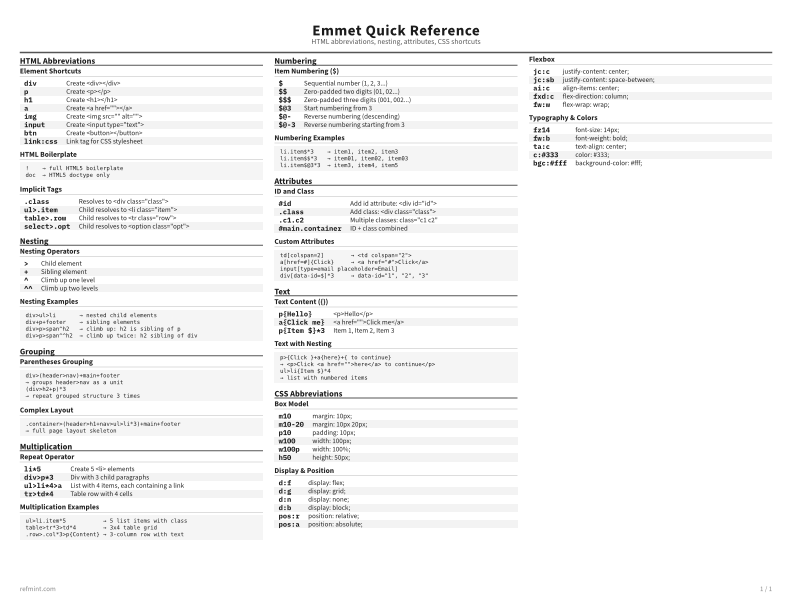
Element Shortcuts
div | Create <div></div> |
p | Create <p></p> |
h1 | Create <h1></h1> |
a | Create <a href=""></a> |
img | Create <img src="" alt=""> |
input | Create <input type="text"> |
btn | Create <button></button> |
link:css | Link tag for CSS stylesheet |
HTML Boilerplate
!    → full HTML5 boilerplate
doc  → HTML5 doctype only
Implicit Tags
.class | Resolves to <div class="class"> |
ul>.item | Child resolves to <li class="item"> |
table>.row | Child resolves to <tr class="row"> |
select>.opt | Child resolves to <option class="opt"> |
Download the full cheat sheet for all sections, formatted for print
Download PDFDownloads
Choose the treatment that matches how you read
-
Recommended
Standard
B&W, ink-efficient. The default for laser printers and photocopies
Best for Printouts and desk-side reference
-
Color
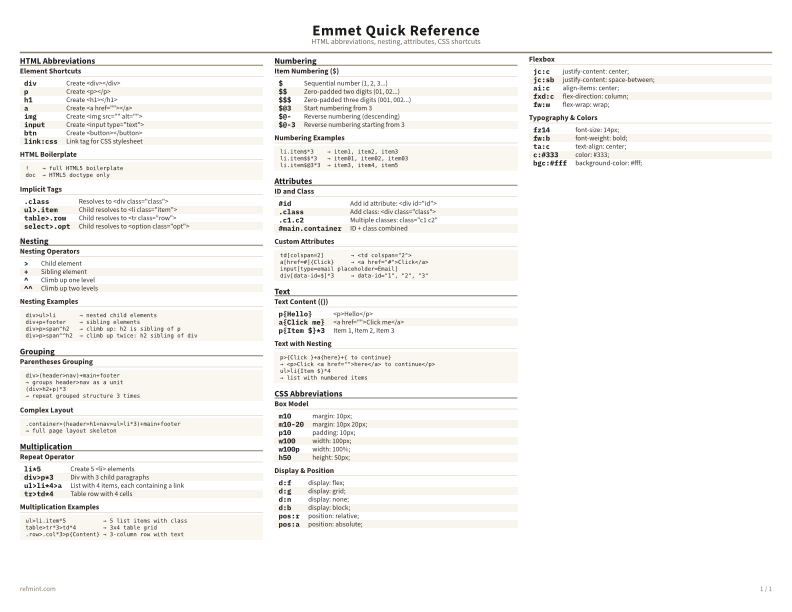
Warm color accents for on-screen reading or color printers
Best for Screen reading or color printers
-
Reference Card
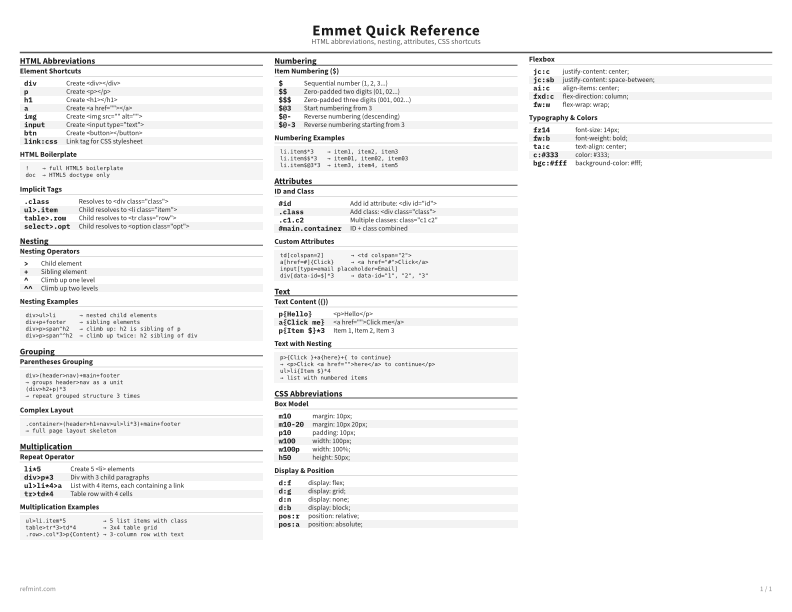
Maximum density, 4-column layout. Everything on one page
Best for Fast scanning and minimum paper use