Tools
curl Cheat Sheet
Print-ready cheat sheet for curl, organized for fast lookup, study, and desk-side use
Sample
What's in this cheat sheet
- Basic Usage
- HTTP Methods
- Headers
- Authentication
- Data & Forms
- SSL/TLS
- Output & Debugging
- Common Patterns
- Proxy & Network
- Config & Advanced
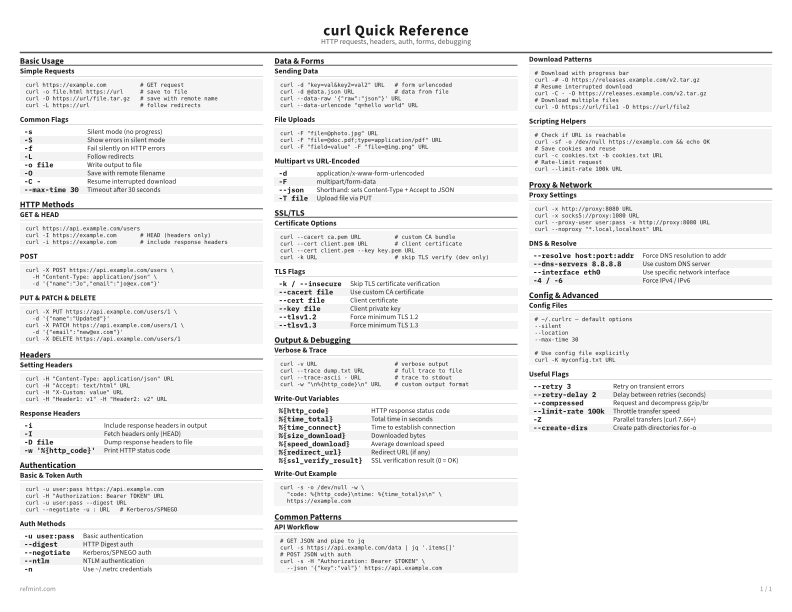
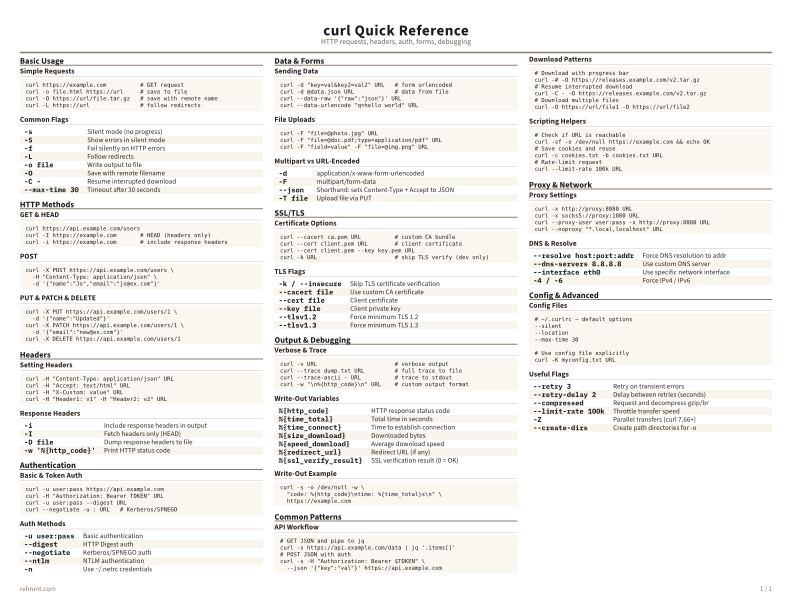
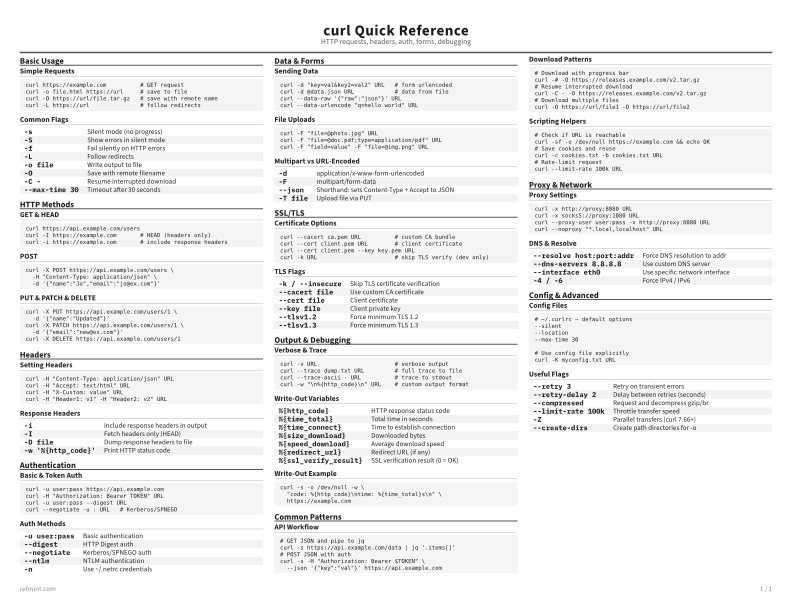
Simple Requests
curl https://example.com          # GET request
curl -o file.html https://url     # save to file
curl -O https://url/file.tar.gz   # save with remote name
curl -L https://url               # follow redirects
Common Flags
-s | Silent mode (no progress) |
-S | Show errors in silent mode |
-f | Fail silently on HTTP errors |
-L | Follow redirects |
-o file | Write output to file |
-O | Save with remote filename |
-C - | Resume interrupted download |
--max-time 30 | Timeout after 30 seconds |
Download the full cheat sheet for all sections, formatted for print
Download PDFDownloads
Choose the treatment that matches how you read
-
Recommended
Standard
B&W, ink-efficient. The default for laser printers and photocopies
Best for Printouts and desk-side reference
-
Color
Warm color accents for on-screen reading or color printers
Best for Screen reading or color printers
-
Reference Card
Maximum density, 4-column layout. Everything on one page
Best for Fast scanning and minimum paper use