Tools
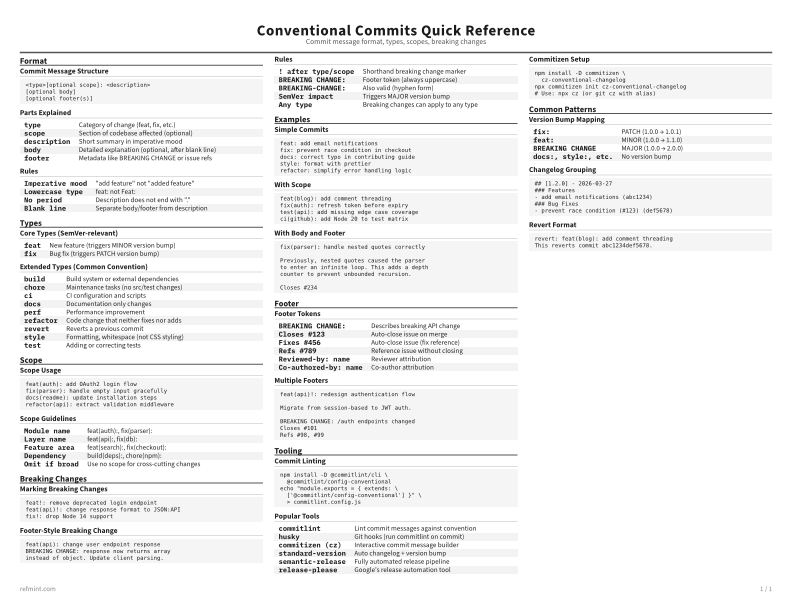
Conventional Commits Cheat Sheet
Print-ready cheat sheet for Conventional Commits, organized for fast lookup, study, and desk-side use
Sample
What's in this cheat sheet
- Format
- Types
- Scope
- Breaking Changes
- Examples
- Footer
- Tooling
- Common Patterns
Commit Message Structure
<type>[optional scope]: <description>
[optional body]
[optional footer(s)]
Parts Explained
type | Category of change (feat, fix, etc.) |
scope | Section of codebase affected (optional) |
description | Short summary in imperative mood |
body | Detailed explanation (optional, after blank line) |
footer | Metadata like BREAKING CHANGE or issue refs |
Rules
Imperative mood | "add feature" not "added feature" |
Lowercase type | feat: not Feat: |
No period | Description does not end with "." |
Blank line | Separate body/footer from description |
Download the full cheat sheet for all sections, formatted for print
Download PDFDownloads
Choose the treatment that matches how you read
-
Recommended
Standard
B&W, ink-efficient. The default for laser printers and photocopies
Best for Printouts and desk-side reference
-
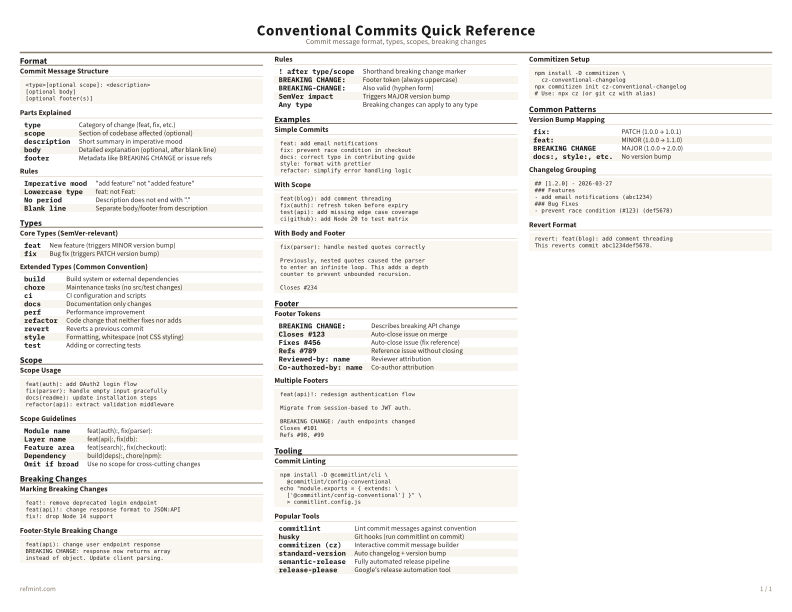
Color
Warm color accents for on-screen reading or color printers
Best for Screen reading or color printers
-
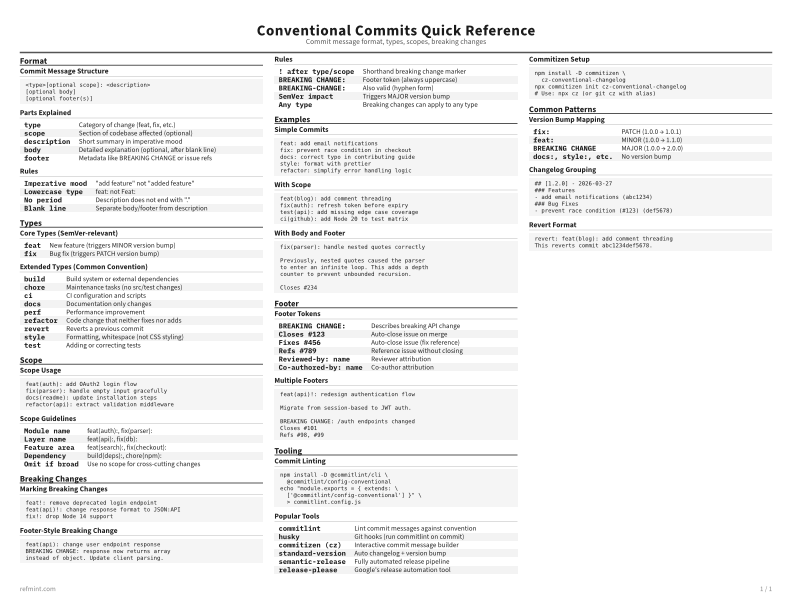
Reference Card
Maximum density, 4-column layout. Everything on one page
Best for Fast scanning and minimum paper use